
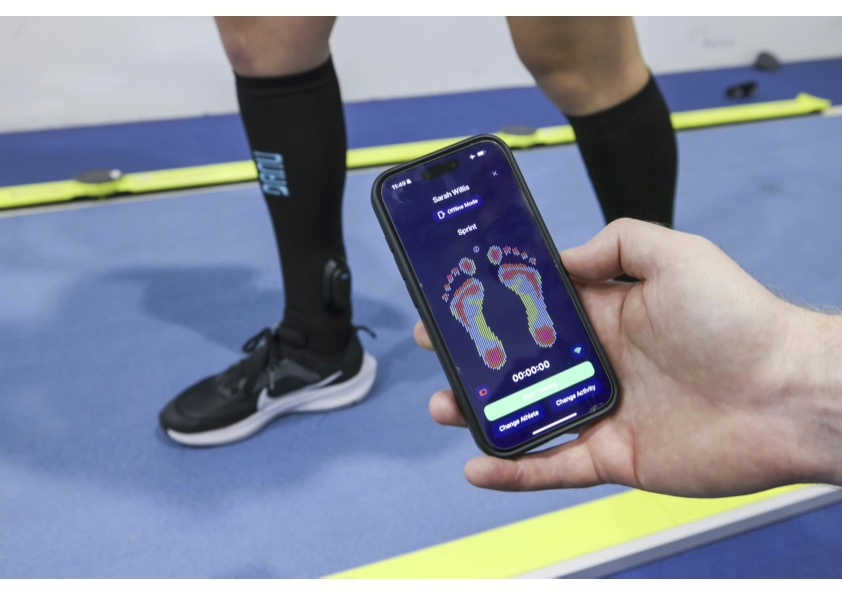
UX design plays a central role in wearable product development because the device is worn on the body, not held in the hand or mounted on a desk. That physical intimacy means every interaction, every vibration, every pressure point either earns trust or destroys it. For B2B teams commissioning custom wearable product development, UX is not a layer added at the end — it is a technical discipline that shapes hardware choices, firmware architecture, and form factor from the very first design decision. The sections below address the questions that matter most when building a wearable that people will actually use.
How does UX design differ for wearables compared to other digital products?
UX design for wearables differs from conventional digital product design because the body itself becomes part of the interface. In a mobile app or web platform, the user interacts with a screen on their own terms. In a wearable, the device is always present, always in contact with skin or clothing, and often operates without the user’s active attention. That changes everything about how interaction is designed.
In screen-based products, designers work with visual hierarchies, tap targets, and scroll behaviour. In wearable product development, the equivalent decisions involve where a haptic actuator is placed on the body, how much vibration intensity is perceptible through a fabric layer, and whether a biosensor can maintain signal quality during physical movement. These are not UX questions in the traditional sense — they are simultaneously hardware, textile, and firmware problems.
There are also context-of-use differences that carry real design consequences. A wearable worn by a soldier navigating in low visibility, a patient monitoring cardiac rhythm, or an athlete pushing through fatigue cannot demand the user’s visual attention. The interaction model must be ambient and intuitive. That demands a fundamentally different design vocabulary from anything built around a screen.
What are the key UX challenges specific to wearable devices?
The key UX challenges in wearable devices are comfort and wearability, ambient interaction design, sensor reliability during movement, and the absence of a traditional screen-based feedback loop. Each of these is harder to solve than it appears, and each has direct consequences for how the product is engineered.
Comfort and long-term wearability
A wearable that causes discomfort after twenty minutes is not a wearable — it is a device the user removes. Pressure distribution, material breathability, weight balance, and seam placement all contribute to whether someone keeps the device on across a full shift, a training session, or a clinical day. These are not aesthetic decisions. They determine whether the product collects usable data at all.
Designing for distraction-free interaction
Most wearables operate in contexts where the user cannot stop what they are doing to check a screen. Haptic cues must communicate meaning without ambiguity. Vibration patterns need to be distinguishable from one another even when the wearer is moving or cognitively loaded. Getting this right requires iterative testing with real users in real conditions — not a usability lab with a prototype on a table.
Sensor signal quality under real-world conditions
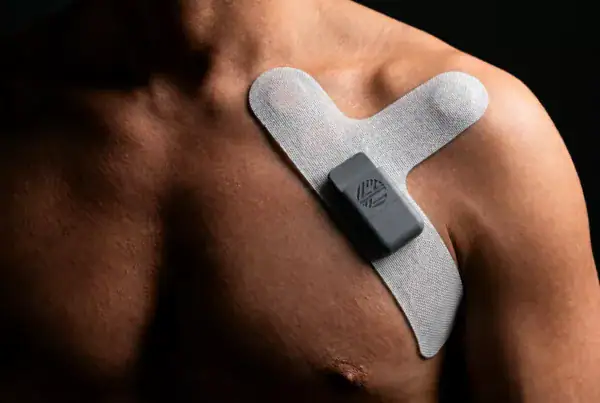
Motion artefacts, electrode contact loss, and sweat interference are not edge cases — they are everyday realities for body-worn sensors. A UX failure here is not a broken button; it is a biosignal that becomes unreadable mid-task. Designing around this requires close collaboration between the UX team and the engineers responsible for electrode selection, firmware filtering, and data architecture.
How does UX research shape hardware and firmware decisions in wearables?
UX research directly influences hardware and firmware decisions in wearable development because user behaviour in real environments reveals constraints that no specification document anticipates. Findings from field observation, contextual interviews, and early prototype testing routinely change actuator placement, power cycling logic, sensor sampling rates, and enclosure geometry.
Consider a practical example. If UX research reveals that users frequently bend their wrist in a specific direction during a task, that finding has immediate implications for PCB flexibility, connector placement, and the mechanical design of the enclosure. If users report that a haptic alert is indistinguishable from background vibration in a noisy industrial environment, that drives a firmware-level change to the actuator timing pattern and potentially a hardware change to a higher-amplitude actuator type.
Firmware is equally affected. Battery life is one of the most user-visible performance attributes in any wearable. When UX research identifies that users leave the device running overnight rather than docking it, that behaviour must be accounted for in the firmware’s power management logic. Treating battery performance as a system-level problem — shaped by real usage patterns rather than idealised test conditions — is one of the clearest examples of UX research informing embedded software decisions.
This is why separating UX from engineering in wearable development creates risk. When the two disciplines work in isolation, UX teams produce interaction designs that hardware cannot support, and engineering teams build technically sound devices that users abandon.
When should UX design be introduced in the wearable development process?
UX design should be introduced at the very start of the wearable development process — ideally during the feasibility phase, before any hardware is specified or textile construction begins. Introducing UX late is one of the most common and costly mistakes in biometric wearable product development, because form factor decisions made without user insight are expensive to reverse.
In practice, this means UX research activities run in parallel with early technical exploration. While engineers are assessing which sensing modalities are feasible for a given application, UX practitioners should be conducting contextual research to understand how, when, and where the device will actually be used. These two workstreams inform each other continuously.
By the proof-of-concept stage, UX requirements should already be shaping the physical design. By the pilot sample phase, real users should be wearing early versions and feeding back on comfort, interaction clarity, and fit. Waiting until final prototypes to conduct user testing is not UX design — it is damage assessment.
The cost argument for early UX involvement is straightforward. Changing a haptic actuator position during a feasibility study costs hours. Changing it after tooling has been completed costs weeks and significant budget. The earlier UX research surfaces constraints and preferences, the cheaper it is to act on them.
What’s the difference between UX design and industrial design in wearables?
In wearable development, UX design focuses on how the user experiences and interacts with the device — the logic of feedback, the clarity of alerts, the cognitive load of use. Industrial design focuses on the physical form of the product — its shape, materials, ergonomics, and aesthetic. The two disciplines overlap significantly in wearables, more so than in almost any other product category.
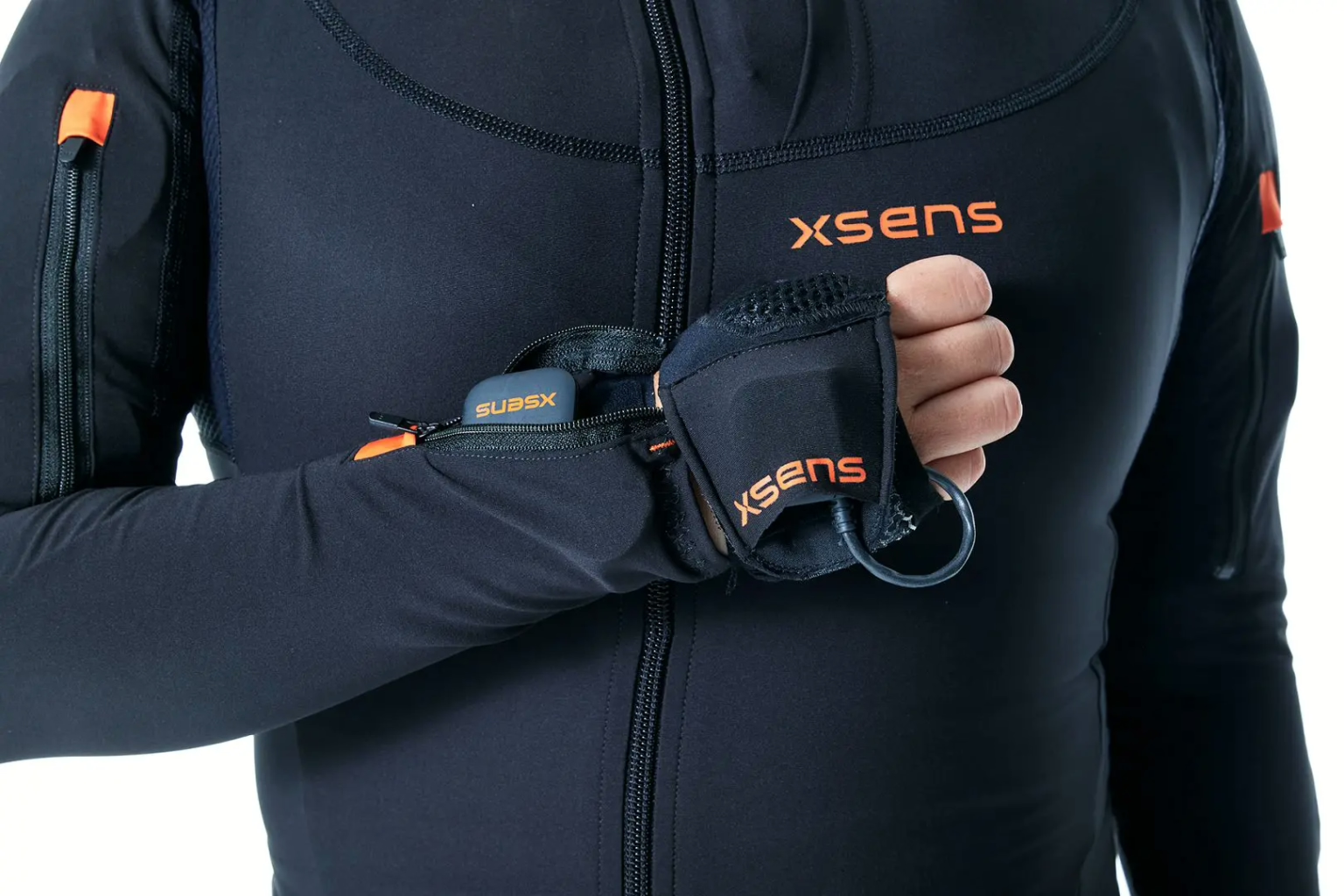
In a conventional consumer electronics product, industrial design and UX can operate with reasonable independence. The industrial designer shapes the enclosure; the UX designer maps the interface. In a wearable, those decisions are inseparable. The placement of a haptic actuator is simultaneously an industrial design decision (where does it sit on the body) and a UX decision (will the user perceive the vibration as meaningful). The stiffness of a textile panel is an industrial design choice that directly affects sensor contact quality, which is a UX outcome.
For B2B teams commissioning custom wearable product development, the practical implication is this: look for a development partner where these disciplines are integrated, not siloed. When an industrial designer and a UX practitioner are working from separate briefs with separate handoffs, the result is typically a product that looks considered but behaves inconsistently in the field.
How do you test UX in wearable products before launch?
UX testing in wearable products requires staged evaluation across controlled and uncontrolled environments, because laboratory conditions rarely replicate the physical and cognitive demands of real use. The goal is to surface problems at the lowest possible cost — which means testing early, testing often, and testing with the actual population that will wear the device.
Effective pre-launch UX testing for wearables typically follows a progression:
- Controlled lab testing: Early prototypes are evaluated for basic wearability, haptic perception, and interaction clarity in a structured setting. This identifies obvious failures quickly and cheaply.
- Simulated task testing: Users perform realistic tasks while wearing the device, allowing researchers to observe whether alerts are perceived, whether the device stays in position, and whether the interaction model holds up under mild cognitive load.
- Field testing in realistic conditions: Pilot samples are worn by target users in their actual environment — a clinical ward, a factory floor, a training track. This is where edge cases emerge: sweat interference, unexpected movement patterns, environmental noise that masks haptic cues.
- Extended wear trials: Longer-duration testing reveals comfort degradation, skin irritation, battery behaviour under real usage patterns, and whether users develop workarounds that signal a design problem.
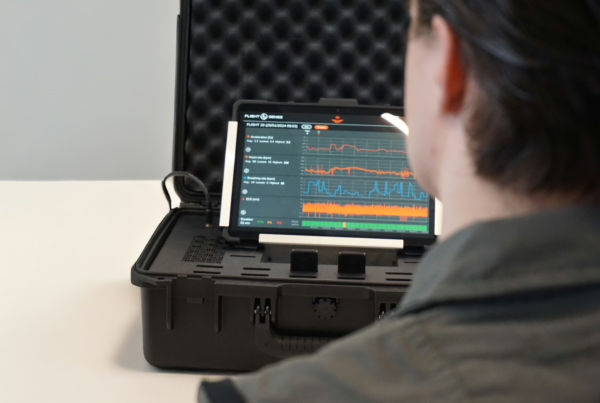
For biometric wearable product development specifically, signal quality under movement is a UX test as much as a technical one. If a user’s ECG trace becomes unreadable during normal activity, that is a failure the user experiences — even if the hardware is technically functioning. Testing must bridge the gap between engineering metrics and perceived reliability.
How Elitac Wearables approaches UX in wearable product development
UX in wearable development is not a checkbox — it is an engineering discipline that runs from the first feasibility discussion to the final prototype validation. For product managers, CTOs, and heads of product commissioning custom wearable product development, the question is not whether UX matters, but whether your development partner has the capability to integrate it properly across hardware, firmware, and textile decisions.
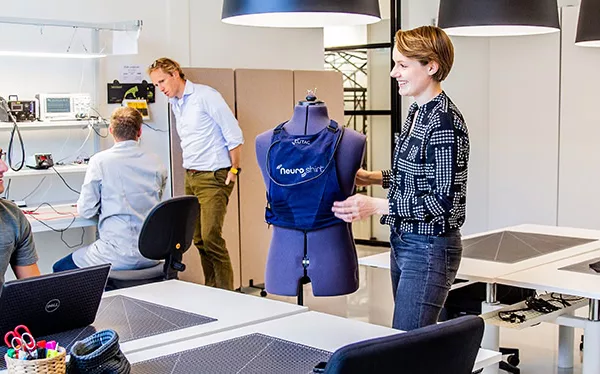
Elitac Wearables builds that integration into every project by design. The in-house team combines human factors expertise with hardware engineers, firmware developers, and textile specialists — all working from the same brief, in the same facility, on the same timeline. That structure eliminates the handoff problem that causes most UX failures in wearable development.
Concretely, this means:
- UX research informs actuator selection and placement before hardware is specified
- Firmware power management is shaped by real usage patterns, not idealised test scenarios
- Pilot samples are tested with real end users in real conditions, not just in a lab
- Interaction design for haptic feedback is validated iteratively, not signed off on a screen
- Human factors findings feed directly into certification documentation where required
If your wearable project needs a development partner that treats UX as a technical discipline — not a final-stage review — contact Elitac Wearables to discuss your project.
Related Articles
- What role does firmware play in electronics integrated into textiles?
- Can haptic feedback wearables replace physical therapy tools for rehabilitation?
- How do haptic feedback wearables improve user experience?
- What hardware components power haptic feedback in wearables?
- How do medical-grade wearables differ from consumer wearables in development?